

Official press kit
ShotFinder turns screenshot piles into a private search index.
Verified product facts, ready-to-use descriptions, downloadable assets, and direct contact for writers, reviewers, newsletter editors, and creators.
Contact Optygate
App facts
ProductShotFinder: Screenshot Search
PublisherOptygate
PlatformAndroid 8.0 and newer
CategoryProductivity · Utilities
Core priceFree; optional Pro upgrade
AccountNot required for core search
Core processingOn-device and offline
Contactdev@optygate.com
What makes it different
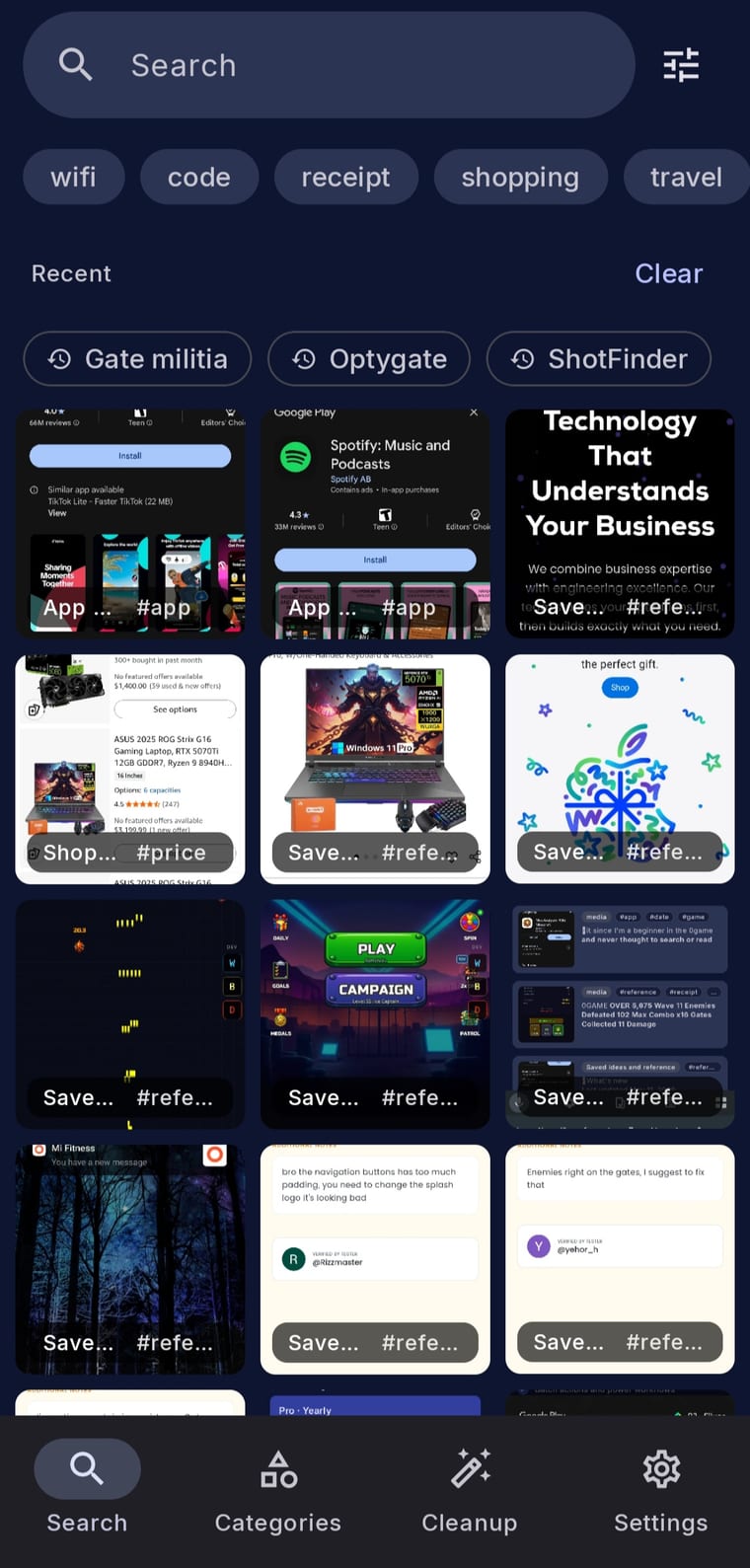
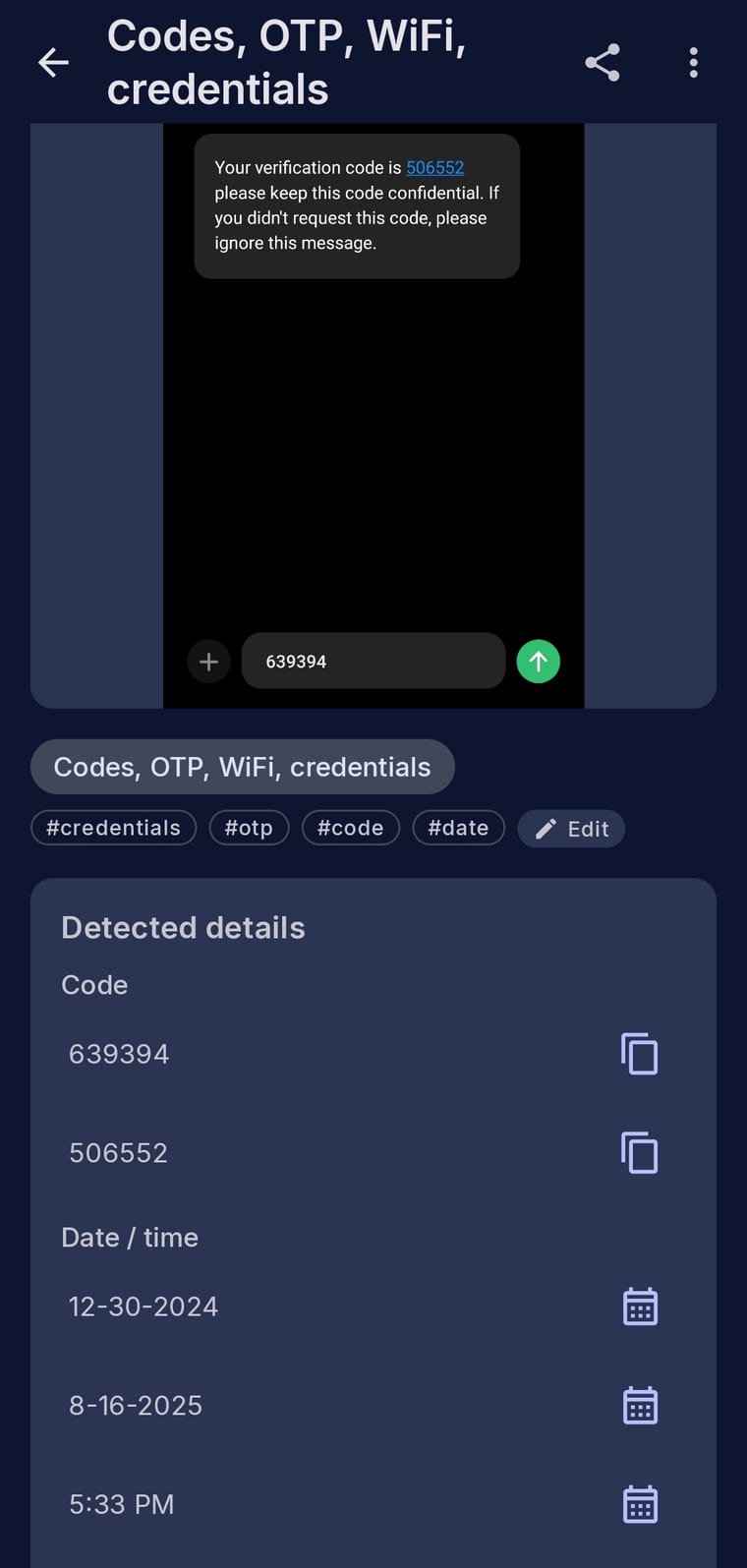
ShotFinder is built specifically for screenshots rather than a general photo library. It creates an on-device text index, automatically groups common screenshot types, and offers actions matched to the detected content. A result can become a copied code, an opened link, an address in Maps, or usable Wi-Fi details.
- Search words, phrases, codes, prices, and names inside screenshots.
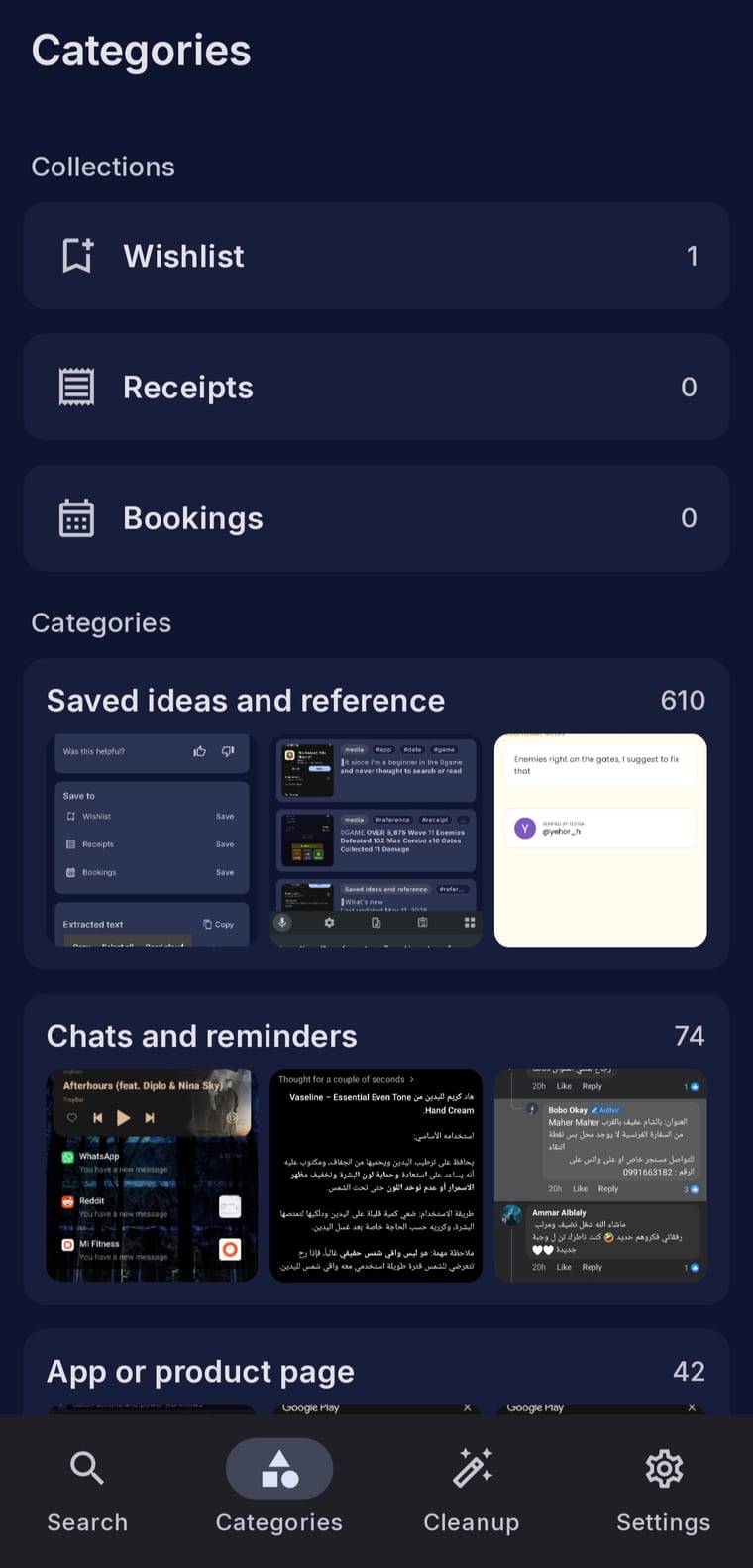
- Automatic categories for receipts, codes, Wi-Fi, shopping, travel, chats, addresses, and app pages.
- Core OCR, search, categories, smart actions, and basic cleanup work offline.
- No account is required for core use; no product analytics SDK is included.
- Optional Pro tools add duplicate detection, cleanup workflows, custom categories and rules, advanced filters, batch actions, and per-tap AI Enhance.
Ready-to-use descriptions
One sentence
ShotFinder is a privacy-first Android app that finds screenshots by the text inside them, organizes them automatically, and turns detected content into useful actions.
Short description
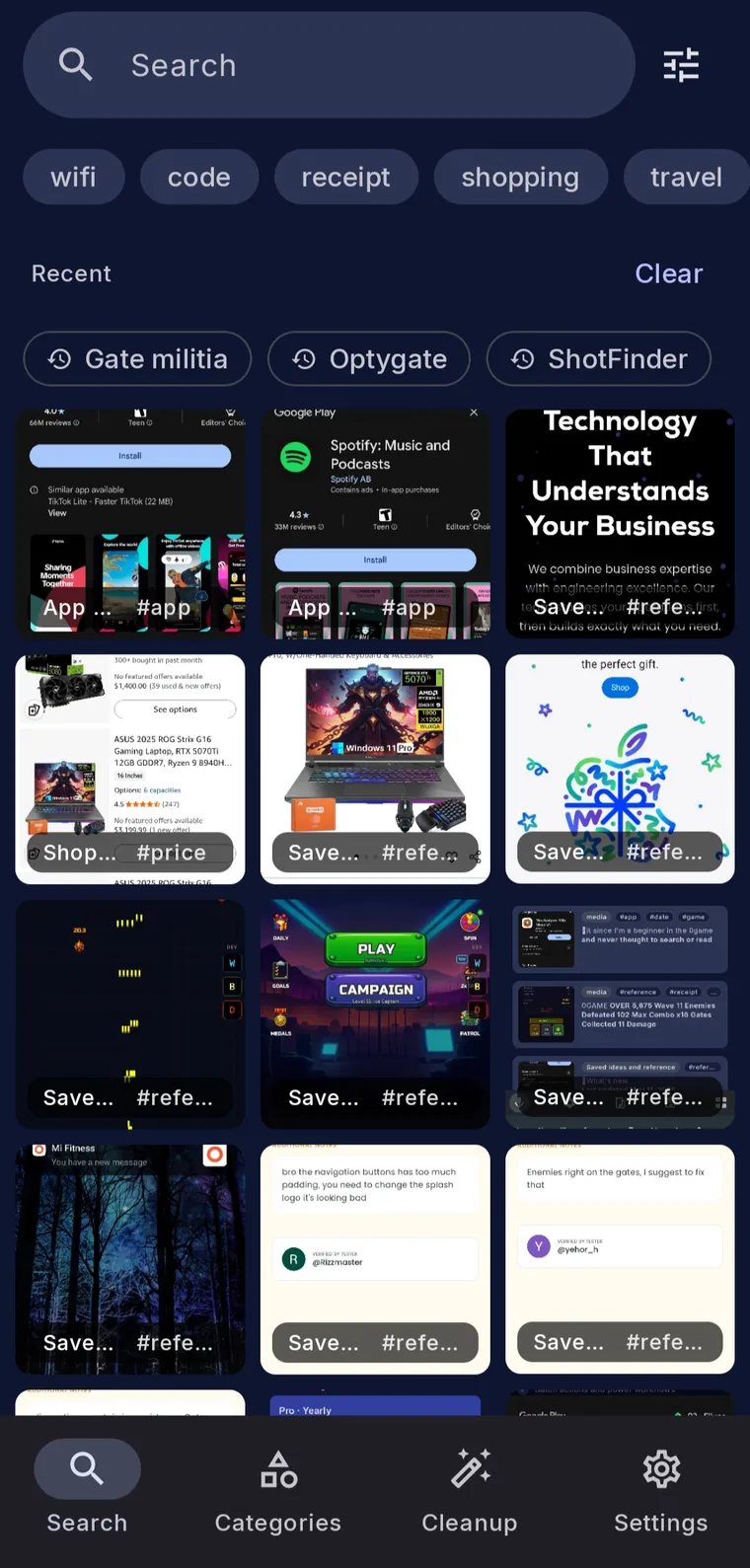
ShotFinder makes an Android screenshot library searchable. Its on-device OCR reads the visible text, automatic categories group common items such as receipts, codes, Wi-Fi, shopping, and travel, and smart actions let users copy codes, open links, launch addresses in Maps, or use detected Wi-Fi details. Core search works offline with no account.
Privacy in plain language
Routine OCR, indexing, search, categories, smart actions, and cleanup run on the device. Screenshot images leave the device only when the user taps AI Enhance, an optional Pro feature for difficult recognition cases. ShotFinder documents its five user-controlled network surfaces and data handling in the full privacy policy.
Official links
Downloadable assets
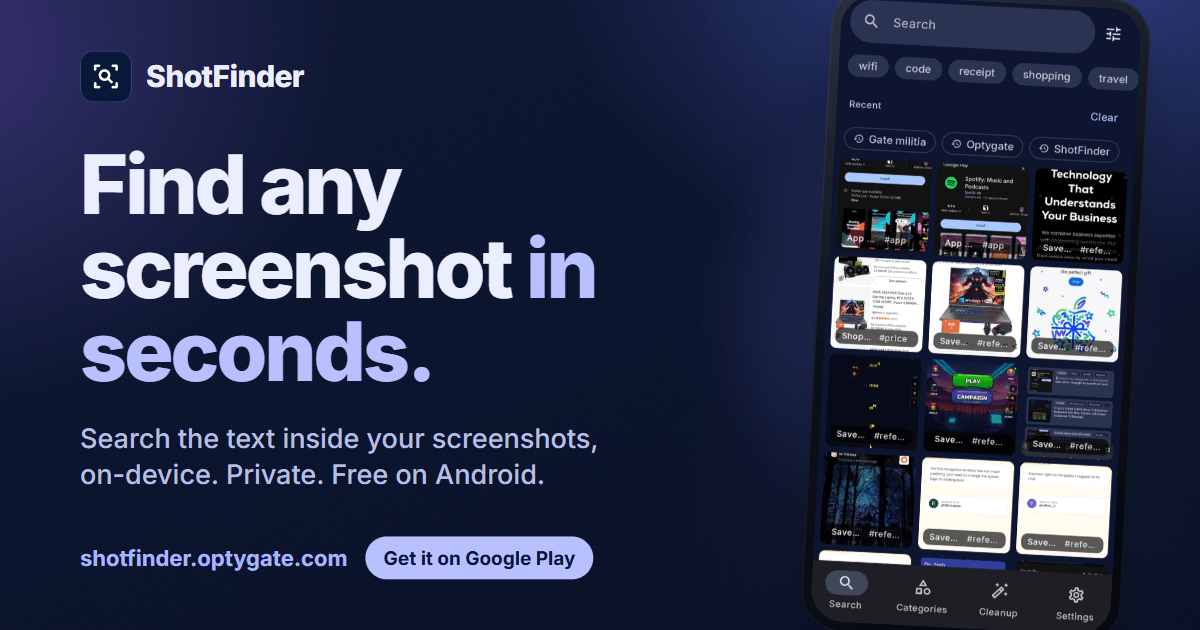
These are official ShotFinder assets. Please keep the app name legible, preserve the logo proportions, and avoid altering in-app screenshots.

Feature graphic
Search screen
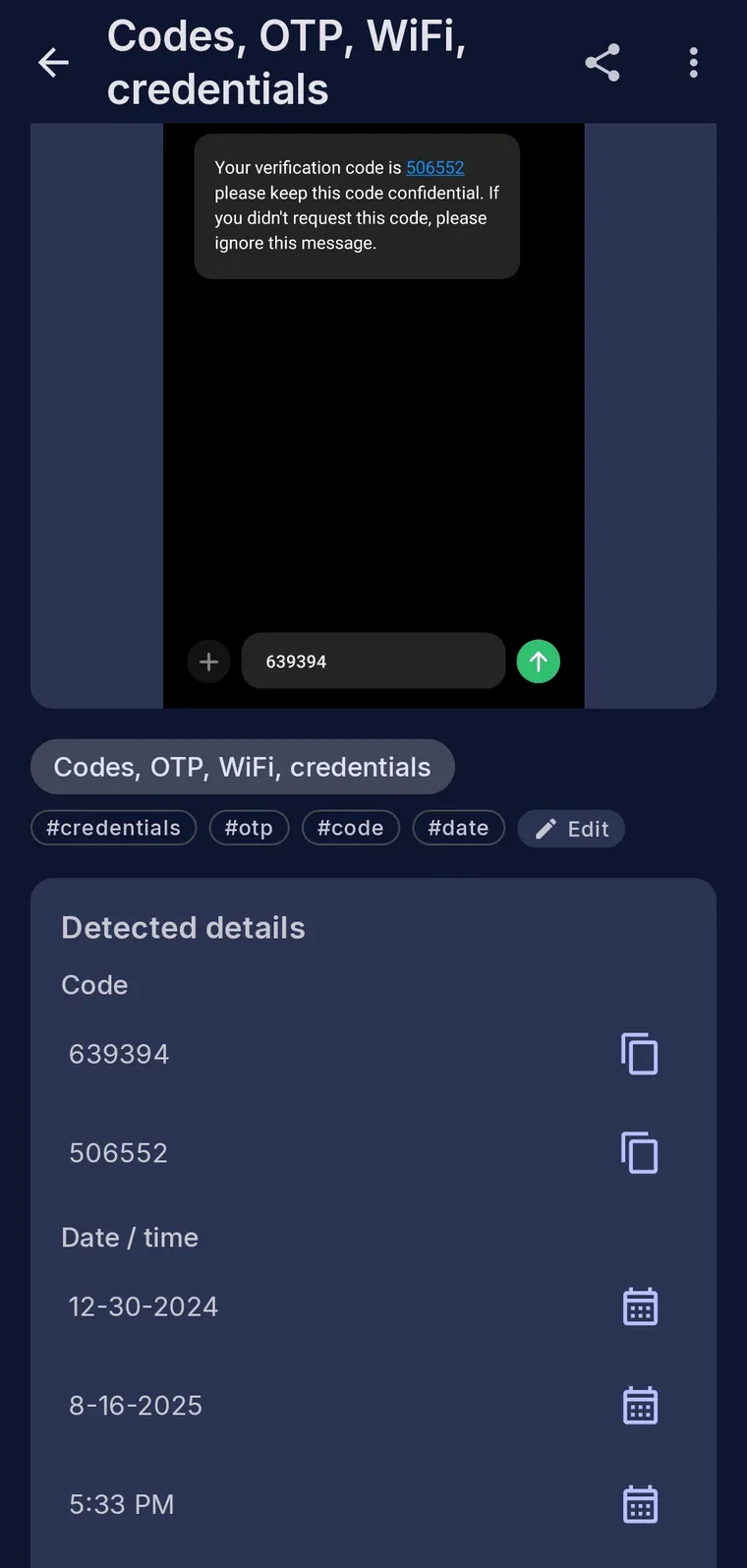
Smart actions
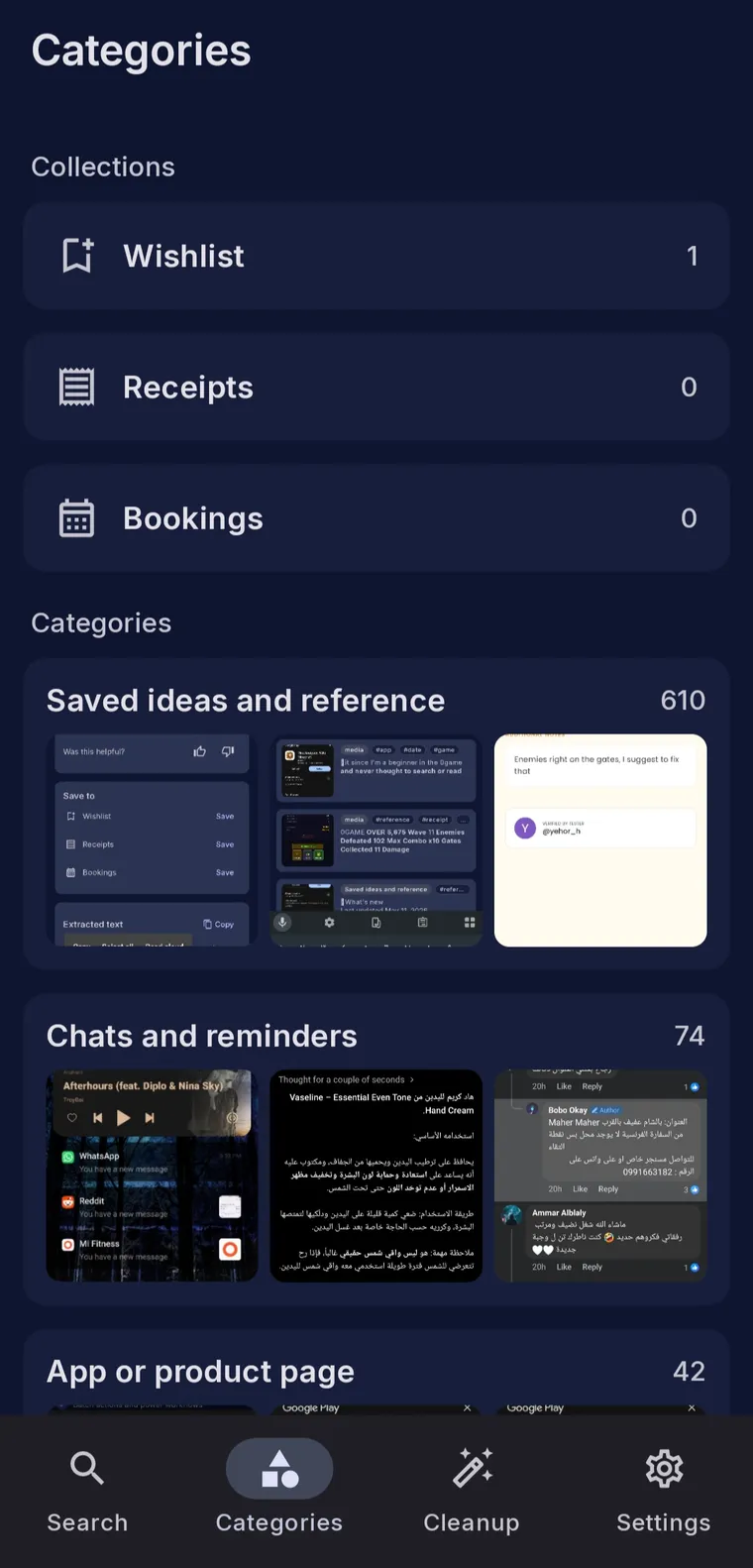
Categories
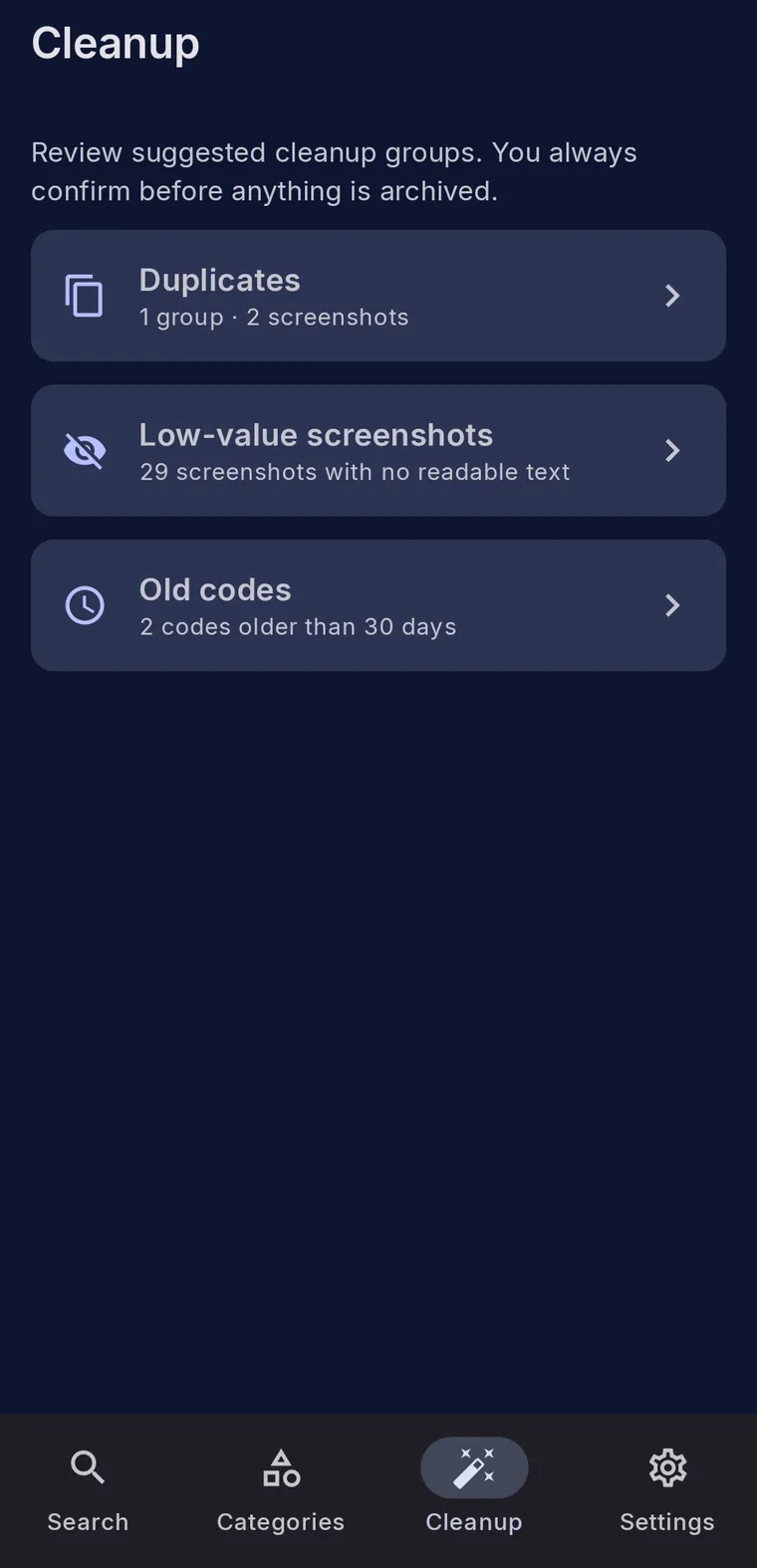
Cleanup
Press and review contact
For product questions, review access, or interview requests, email dev@optygate.com. Please include your publication or channel and intended deadline.